Agents
Agents are configured AI workers that handle structured tasks within your cases: reviewing a document, extracting key clauses, classifying risk, drafting a specific type of output. Your administrator builds and configures agents for your firm's workflows. As a professional user, your role is to start tasks, review what agents propose, and approve or reject their actions.
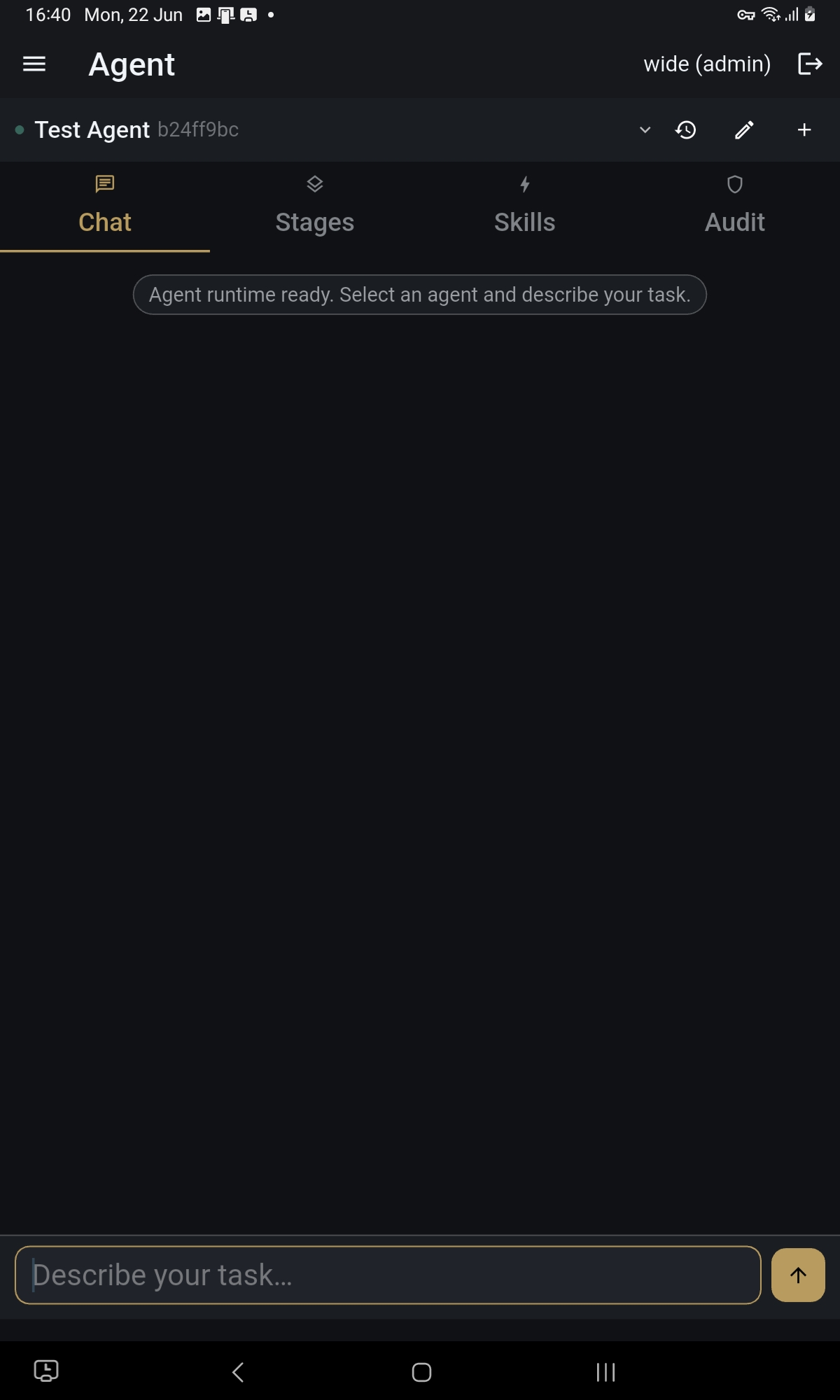
Starting an agent task
You can start an agent task from the Assistant by describing what you need, or directly from a case by tapping the agent action button. Select the agent, confirm the case and document context, and tap Start. The agent will show you its planned first step before doing anything.
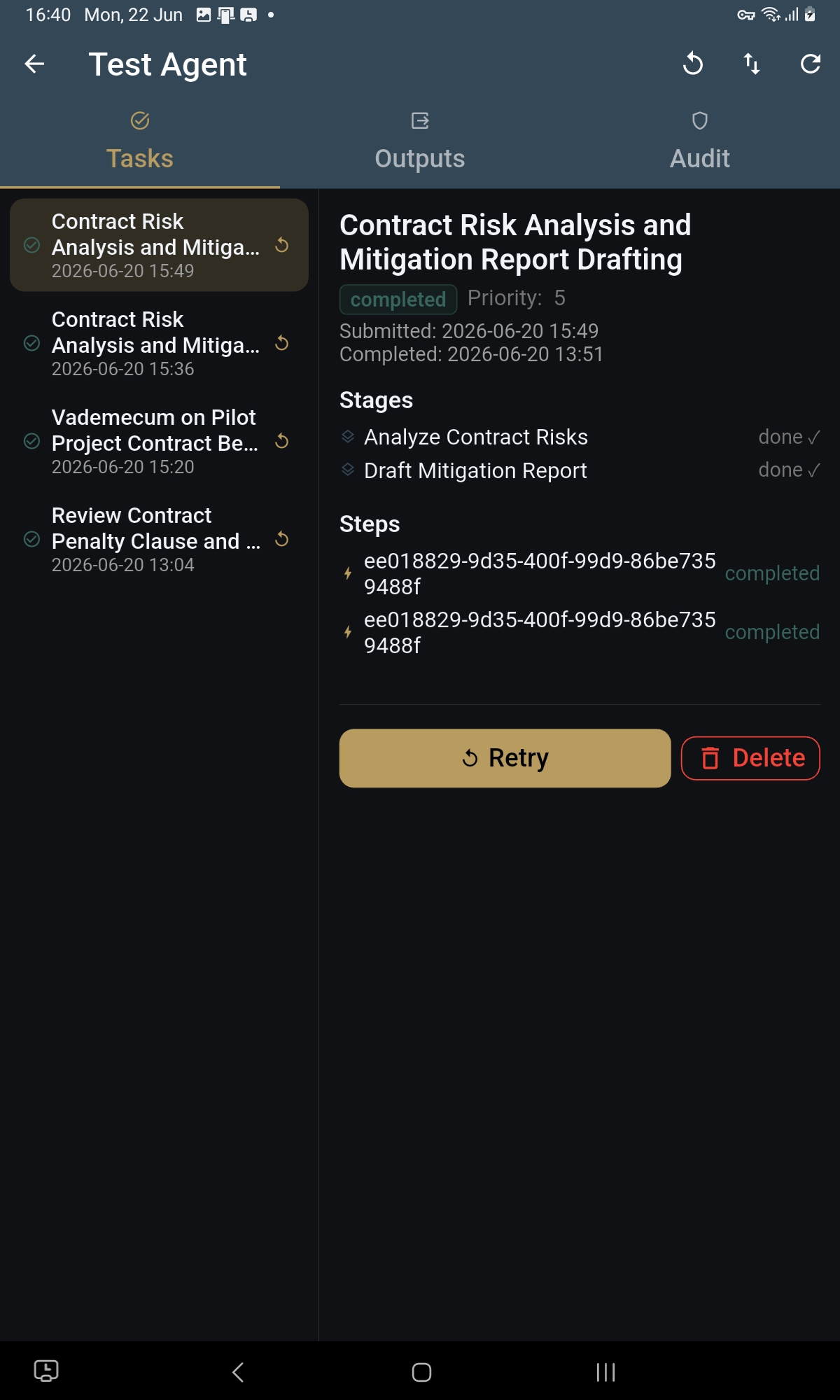
Approving agent actions
Agents do not act without your confirmation. At each step, the agent presents what it intends to do next and waits for you to approve or stop. Read each proposal before confirming. Your approval is recorded against the case as part of the permanent work record.

When an agent delegates
Some agents can call on other specialised agents to handle parts of a task. When this happens, you will see the full picture: which agents are involved and what each one is doing. You can approve or stop at any point. You are always in control of the process, regardless of how many agents are working on a task.

What an agent can and cannot do
Each agent is configured with a specific set of capabilities and limits defined by your administrator. An agent cannot access information outside its assigned scope, cannot act without approval, and cannot produce outputs that bypass the review process. If an agent cannot complete a task, it will tell you why and stop.
Agent history
A full record of every agent task what was started, what was approved, what was produced is visible in the case history and in the Generated Outputs section. Nothing an agent does disappears from the record.
Platform features and interface are subject to continuous improvement. Descriptions in this guide may not reflect the exact layout or wording of the latest released version.