Assistant
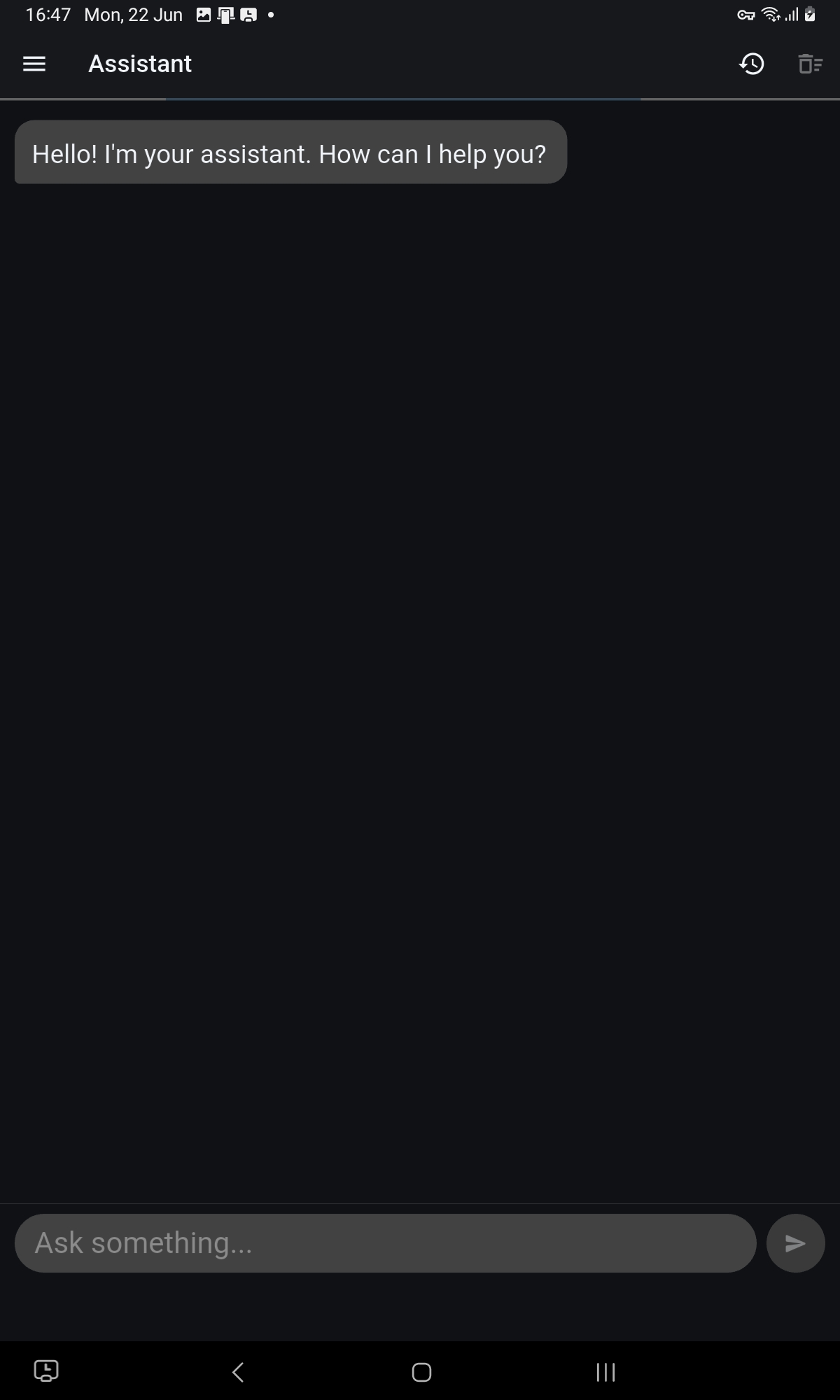
The Assistant is your main daily interface. Open it to ask questions, draft documents, review case context, or start an agent task. It works like a professional conversation: you ask, it responds using the knowledge and tools your administrator has configured for your firm.
Asking questions
Type your question in the message bar and send. The assistant draws on the knowledge packs assigned to your workspace. If something falls outside what it knows, it will say so rather than guessing.
Drafting documents
Ask the assistant to draft a letter, summary, report, or any other document. You can reference a case or client by name, and the assistant will use the relevant context. Review the draft before saving or sharing it the assistant produces a starting point, not a final document.
Starting an agent task
If your administrator has configured agents for your workspace, you can ask the assistant to start one. Describe what you need and the assistant will identify the right agent, show you what it plans to do, and ask for your confirmation before anything runs. You are always in control of when and whether an agent proceeds.
Reviewing outputs
Documents and results produced during your session appear in the chat and are also saved to Generated Outputs, where you can review, approve, or export them later.
Your conversation history
Past conversations are available from the history icon at the top of the screen. Each conversation is self-contained: context from one session does not carry over into a new one unless you reference it explicitly.
Platform features and interface are subject to continuous improvement. Descriptions in this guide may not reflect the exact layout or wording of the latest released version.